WB-01 · workbench.locker

One workbench for all your business tools.

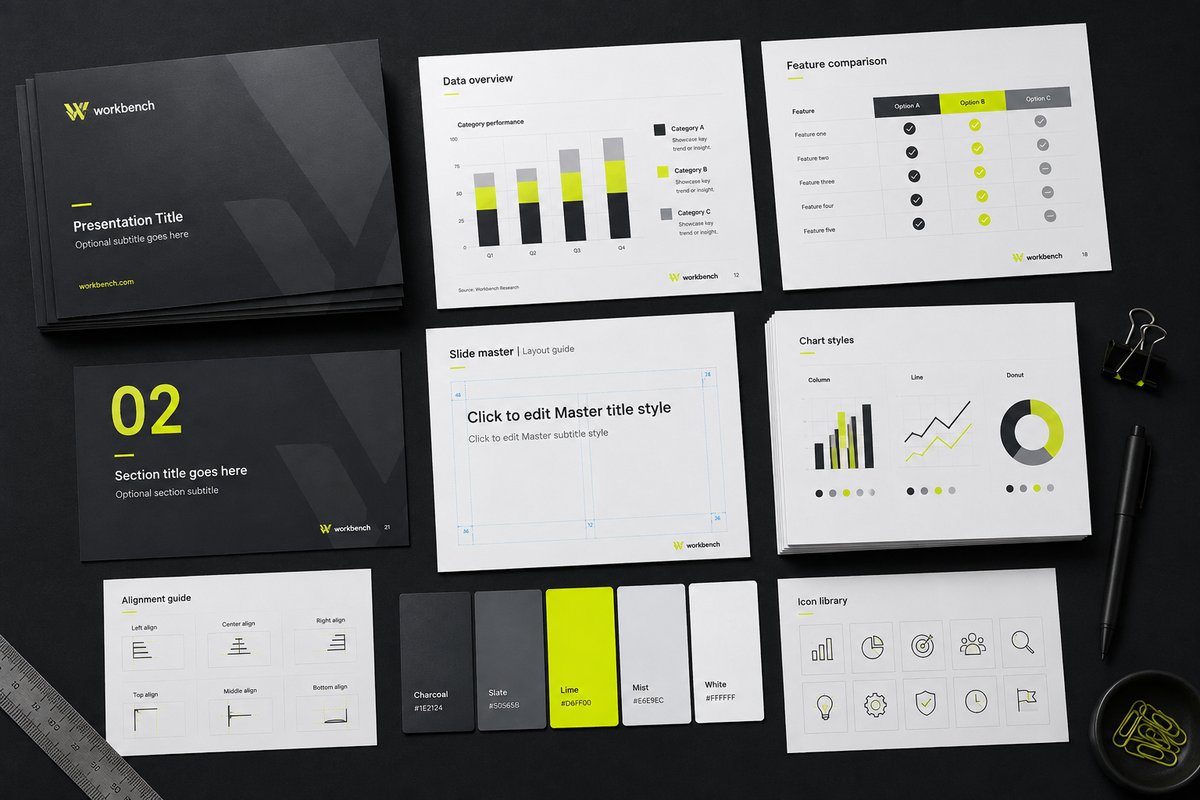
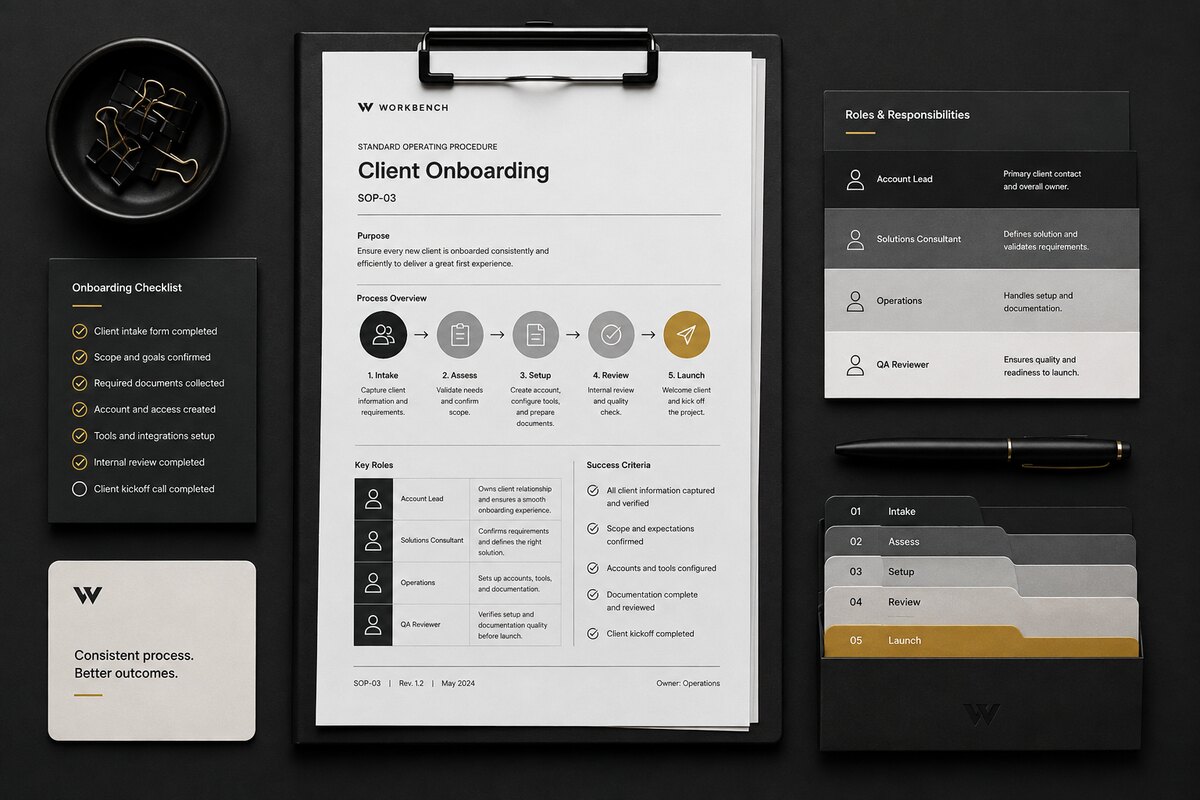
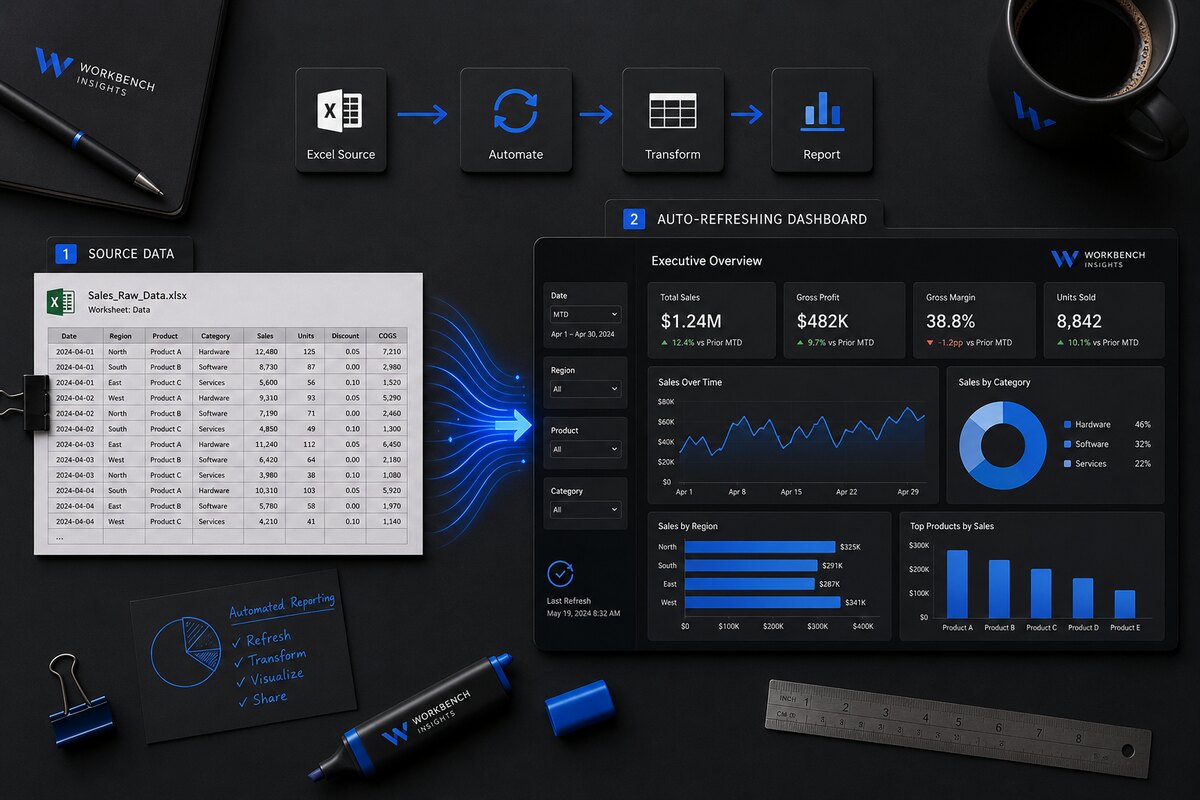
Workbench builds clear presentations, automated dashboards, learning materials and process documentation for teams that need their information to work properly.

Grounded in real commercial and sales-reporting experience. Practical, structured, and always handed over as editable files you own.

Decks Dashboards Guides Process
Positioning · WB-00

Business tools, built for actual use.

Workbench sits between two extremes: cheap marketplace freelancers who compete on speed, and slick agencies that compete on visual theatre. The promise here is different. The work will look professional — but more importantly it will be clear, reusable, maintainable, and structured around the way your team actually works.

It comes from real commercial understanding, structured content and a designer's eye — not decoration for decoration's sake, and not a generic consultant looking at your reporting from the outside. Bring the mess. Leave with a working tool.

Services · Four tools, one bench

Decks. Dashboards. Guides. Processes. Made clear.

One studio for the whole toolkit — whether the answer is a slide, a workbook, a guide or a documented process.

Selected work

Real tools, not gallery shots.

Samples built to show the approach. Every figure, name and brand below is fictional — real client work is handled confidentially.

Sales performance dashboard showing invoiced value versus target, attainment and variance by brand and rep
WB-DATA · DASHBOARD.XLSXSAMPLE
Sales Performance Dashboard. Automated monthly reporting — attainment, variance and shortfall by brand and rep, refreshing from a data tab through Power Query.
Channel stock and sales forecast dashboard with actual versus forecast versus budget and forecast accuracy KPIs
WB-DATA · FORECAST.XLSXSAMPLE
Channel Stock & Sales Forecast. Actual vs forecast vs budget, forecast-accuracy KPIs and stock-cover flags — one view for the monthly demand review.

// More samples across decks, guides and process documentation on the Work page.

How it works · WB-METHOD

From mess to working tool.

01

Understand the work

Learn how the information is used, and by whom.

02

Organise it

Structure the messy inputs into something coherent.

03

Build the tool

Design and build the deck, workbook, guide or process.

04

Test for real use

Pressure-test it against how the team actually works.

05

Hand it over

Editable files, clearly, so the work stays yours.

Why Workbench

Built for the people doing the work.

Real commercial experience

Built by someone who has lived commercial reporting, meetings and month-end — not observed them from outside.

Yours to keep and edit

Every deliverable is handed over as editable, reusable files. No lock-in, no black boxes.

Clear handover

You get something your team can operate and maintain — with the complexity kept out of the way.

Direct access

You work with the person building the tool, start to finish. No account layers.

Structured, not decorative

Design in service of clarity. Nothing added just to look busy.

Confidential by default

Sensitive commercial material is handled carefully and never shown without permission.

About
Run by someone who's
lived the work.

Workbench is run by Janine — years spent turning complicated sales, supply and performance information into things people could read in seconds and act on. That mix of real commercial understanding, structured content and a designer's eye goes into every deck, dashboard, guide and workbook.

More about Workbench
Start a project

Bring the mess. Leave with a working tool.
Tell me what you're working with — I'll tell you the cleanest way to build it.

Start a project