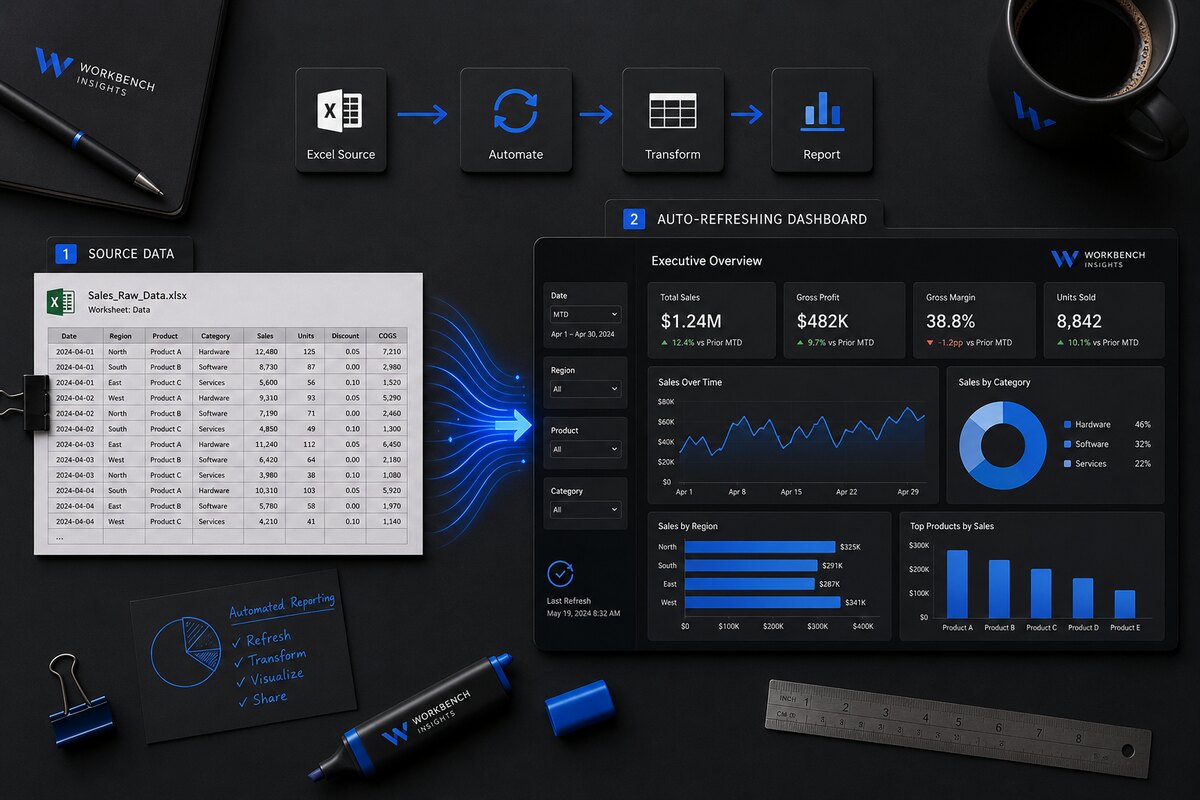
Most sales dashboards are not slow because Excel is slow. They are slow because a person is doing the work Excel should be doing, exporting, pasting, re-pointing formulas, fixing what broke. Here is how to hand that work back to the file.
One rule: separate the data from the display
The single biggest mistake is building your KPIs directly on top of a raw export. The next month the export has an extra column, the rows shift, and everything breaks. Instead, keep a dedicated data tab that nothing but your source feeds into, and build every dashboard element off that. The display never touches the raw file directly.
Let Power Query do the fetching
Power Query is built into Excel, no add-ins, no subscription. Point it at your source file or folder once, and tell it how to clean the data: drop the junk rows, rename the columns, set the types, filter what you do not need. From then on, a single Refresh re-runs every one of those steps on the new data.
- Connect to the export (or the folder the exports land in).
- Do the cleaning inside Power Query, not by hand on the sheet.
- Load the cleaned result to your data tab as a table.
Build KPIs that recalculate
With a clean table in place, your attainment, variance and gap-to-target figures are just formulas, SUMIFS against the table, not against fixed cell ranges. Because they reference the table, they stretch and shrink automatically as the data changes. Nothing to re-point next month.
Make it readable in five seconds
A dashboard earns its place by being read at a glance. Lead with a small number of clear KPI tiles. Use colour as a signal, not decoration, one accent for "on track", one for "attention". Put the detail below the headline, not competing with it.
Hand it over so it stays yours
Finally, write a two-line note at the top of the data tab: where the source comes from, and "press Refresh". That single sentence is the difference between a tool your team owns and one that only works while you are in the room.
Want this built for your numbers? See the dashboards service or start a project.